
Our Banking App has had some more small updates which has now made it even easier to find your Account Reference Number and has introduced Confirmation of Payee.
Find your account Number Easier
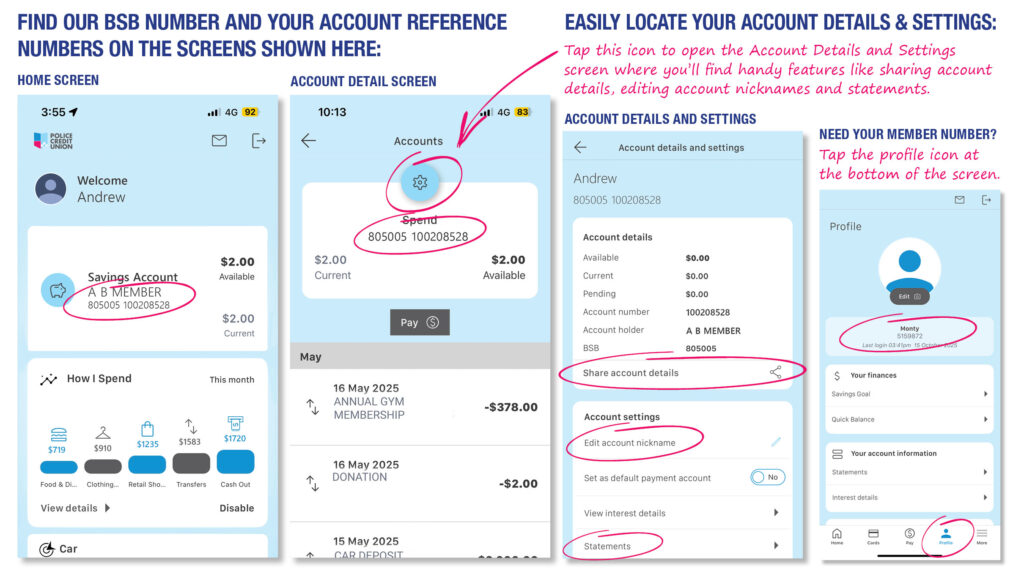
Now, when you view your accounts in the Police Credit Union Banking App, you will see our BSB 805 005 followed by an Account Number, a 9-digit number starting with ’10’ e.g.100208528 for each account.
If you have multiple accounts and loans with us, you will have multiple Account Numbers. Use your Account number to easily identify individual accounts and to transfer funds into your specific accounts.
You will no longer see your Member Number, a 7-digit number starting with ‘5’ often followed by a letter and number like S1 or L30 which represents the type of account or loan you have. This change will help to reduce mistaken payments and matches how accounts are identified across the banking industry.
Our BSB Number 805 005 remains the same.
Tip: Use nicknames to make identifying your accounts even easier
Add a nickname to your accounts and make them even easier to find. From the Banking App home screen, tap on an account, next tap on the blue circle with a cog image at the very top and under ‘Account settings’ select ‘Edit account nickname’.
You may also find it helpful to read about other places you can find your Account Numbers and the difference between these numbers and Member Numbers. How to find your Account Number and receive external transfers into your chosen account.
Confirmation of Payee
Confirmation of Payee is now live at Police Credit Union following the recent update, you will not be required to activate this service.
This is an industry-wide service that matches the account name, BSB and account number entered by a payer with the account details held by the recipient’s financial institution. The payer will be able to quickly see if there is an account match outcome, helping to avoid mistaken payments.
The aim of Confirmation of Payee is to help safeguard people and businesses from fraud, scams and mistaken payments.
When you’re sending money to a business or person using their BSB and account number, Confirmation of Payee will check the account details you’ve entered with the account details held by the recipient’s bank and let you know the match outcome. This outcome will appear as one of the below options:
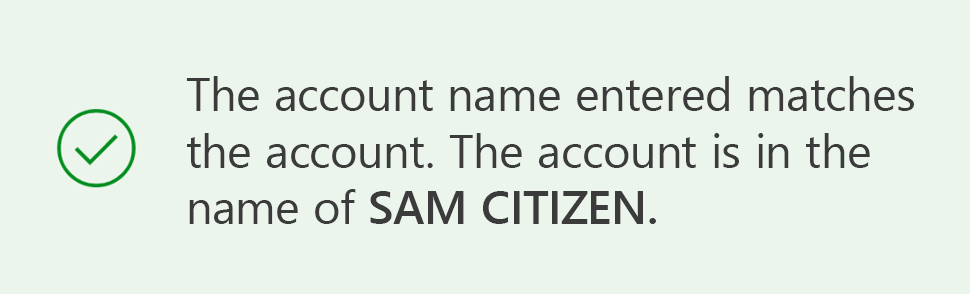
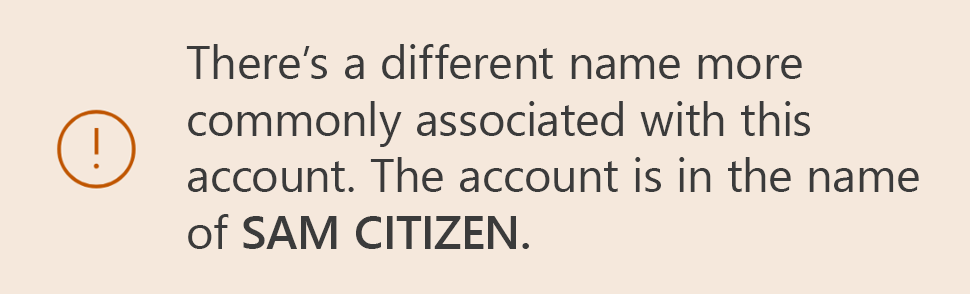


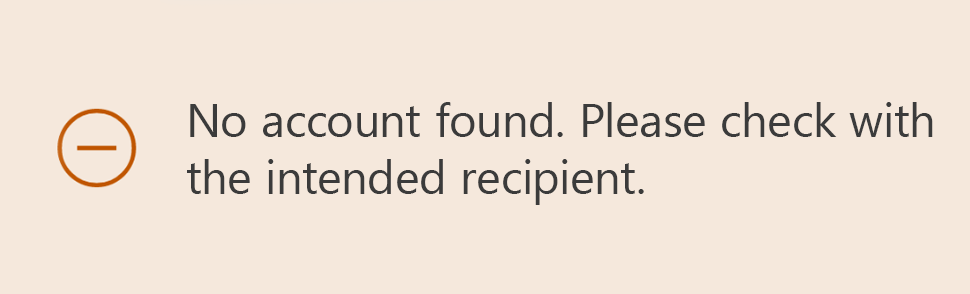

If you are transferring funds to a personal account, you’ll only be shown the name of the recipient’s account if it’s a Match or Close Match. If the account details DO NOT match, the account name will be withheld for privacy protection.
Find out more about Confirmation of Payee or read the FAQs (link to support article)
You can also learn more about the other updates we made in the Banking App earlier this month.